As someone who’s built websites for personal projects, freelance clients, and small businesses, I’ve spent countless hours testing free website builders to find the best tools for creating professional online presences without breaking the bank. Whether you’re an aspiring entrepreneur, a freelancer showcasing your portfolio, a student sharing a project, or a nonprofit organizer rallying support, a website is essential in 2025, but it doesn’t have to cost a fortune.
In this guide, I’ll share my experience with the 9 best free website builders, highlighting their core features, pros, cons, use cases, and practical benefits for diverse audiences like small business owners, creatives, educators, bloggers, nonprofits, and hobbyists. I’ll also address common pain points and provide actionable tips to help you choose the right platform.
Why Free Website Builders Matter
In today’s digital world, an online presence is non-negotiable, whether you’re launching a side hustle, building a personal brand, or running a community organization. When I was freelancing, I needed a portfolio to showcase my work to potential clients, but couldn’t afford premium tools. Using a free website builder, I created a professional-looking portfolio in one afternoon, landing a client without spending a dime.
Actionable Tip: Start with a free plan to test a platform’s interface and templates before committing to a paid upgrade for advanced features.
How I Evaluated the 9 Best Free Website Builders
To compile this list, I tested each platform by creating demo sites for various use cases, a portfolio for a freelancer, a blog for a hobbyist, a donation page for a nonprofit, and more. My evaluation focused on
- Ease of Use: Intuitive editors or AI tools for beginners.
- Template Quality: Modern, responsive designs for different industries.
- Core Features: Blogging, e-commerce, SEO, and integrations.
- Limitations: Ads, storage, bandwidth, or branding restrictions.
- Scalability: Options to upgrade as your needs grow.
I also considered common pain points like overwhelming interfaces, outdated templates, or hidden limitations that could frustrate users. My goal was to identify builders that balance functionality with simplicity, ensuring your site looks professional and performs well.
The 9 Best Free Website Builders
Here’s my hands-on take on the top 9 free website builders, starting with WordPress.com, each with its strengths, drawbacks, and ideal use cases.
1. WordPress.com
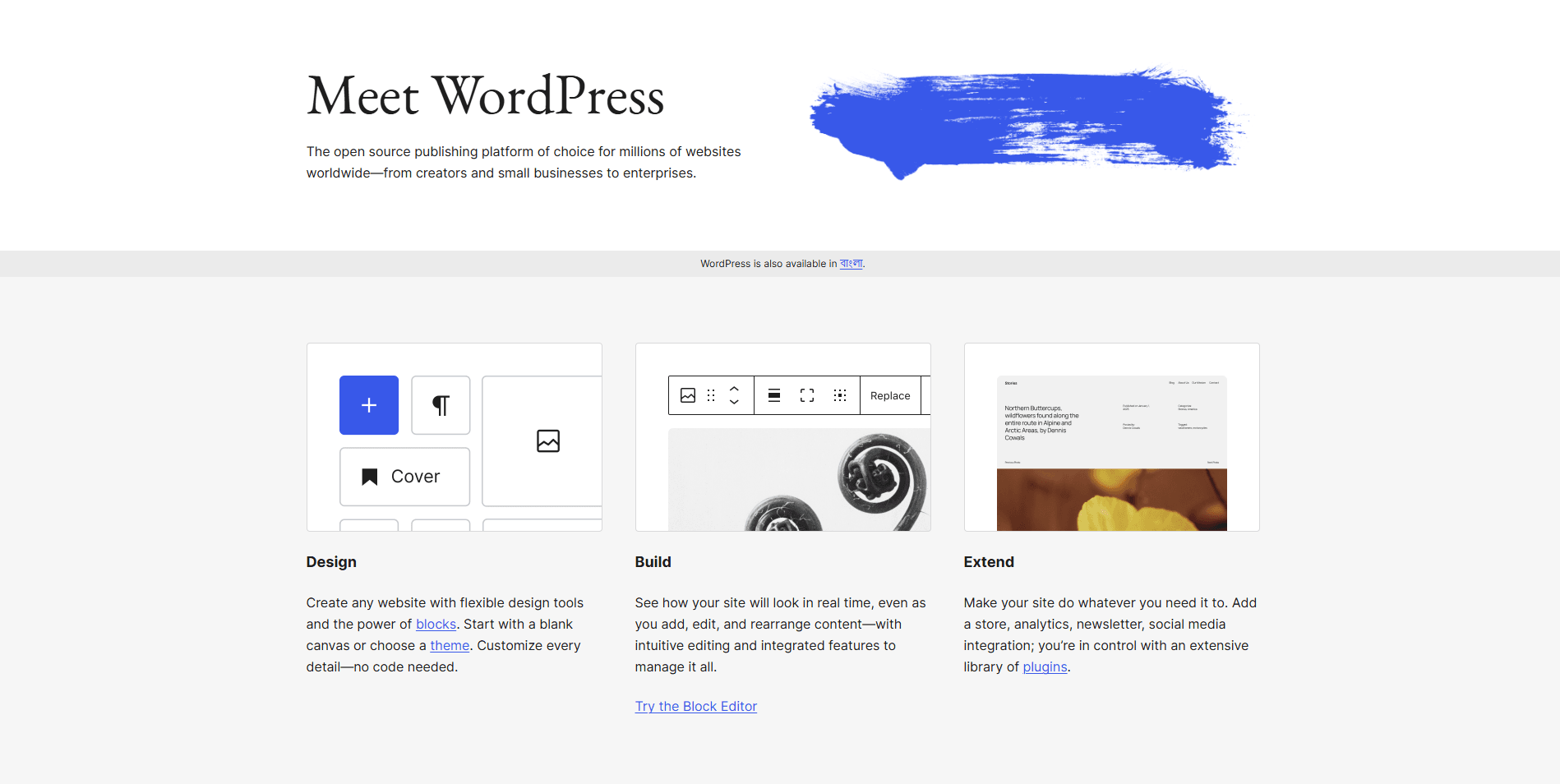
Overview: I used WordPress.com to build a content-heavy blog for a student group, and while it has a learning curve, its blogging tools are unmatched for content creators.
Core Features:
- Robust blogging tools for scheduling and categorizing posts.
- Extensive plugin ecosystem (limited on the free plan).
- SEO optimization for better search rankings.
Pros:
- Industry-standard platform for blogging with strong SEO tools.
- Scalable for content-heavy sites with affordable upgrades.
- Large community with tutorials for support.
Cons:
- Steeper learning curve for beginners.
- Limited customization and plugins on the free plan.
- Ads and WordPress.com subdomain.
Use Cases: Bloggers, educators, and content creators.
Practical Benefits: Its SEO tools and blogging features make it ideal for scaling content-heavy sites. I found it perfect for projects requiring regular updates, like educational resources or personal blogs.
Limitations: The free plan includes ads, a WordPress.com subdomain, and a 3GB storage cap, which can limit media-heavy sites.
Example: I set up a blog for a student group to share study guides, scheduling posts to align with their academic calendar. The SEO tools helped their content rank higher on Google.
Actionable Tip: Start with a simple theme and focus on content to avoid being overwhelmed by WordPress.com’s options.
2. StoreBuild
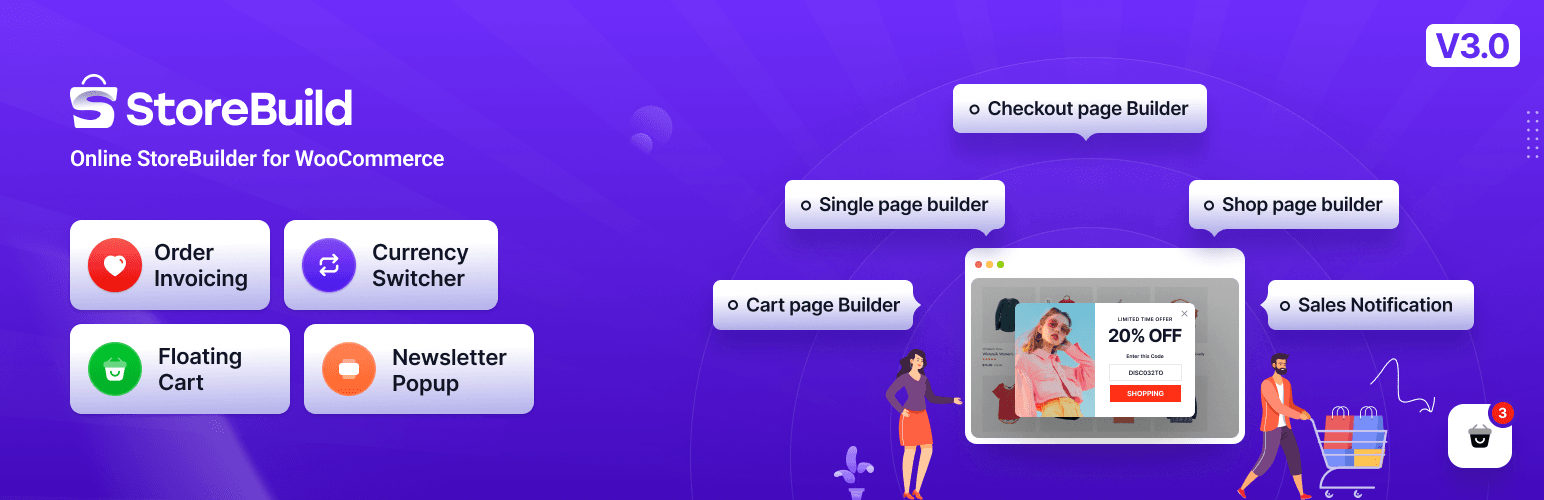
Overview: StoreBuild is a WordPress plugin developed by ThemePure that supercharges WooCommerce with drag-and-drop customization using the Elementor page builder. It’s designed to help users build complete e-commerce stores without writing a single line of code.
Core Features:
- Wishlist & Compare: Built-in features—no need for extra plugins.
- Full WooCommerce Page Control: Customize shop, product, cart, checkout, and account pages.
- 50+ Elementor Widgets: Includes product grids, filters, wishlists, comparisons, quickviews, and more.
- AJAX-Powered Filters: Real-time updates for price, category, color, and size filters.
- Pre-Designed Templates: Ready-to-use layouts for shop, product, cart, checkout, and thank-you pages.
- Variation Swatches: Replace dropdowns with image, color, or label swatches.
- Sale Notifications: Show real-time purchase alerts to boost urgency.
- Quick Checkout & Floating Cart: Streamline the buying process for faster conversions.
Pros:
- Drag-and-Drop Customization: Build WooCommerce pages visually with Elementor—no coding required.
- 79+ Elementor Widgets: Covers everything from product grids to AJAX filters and checkout forms.
- Pre-Designed Templates: Speeds up development with ready-to-use layouts for shop, cart, checkout, and thank-you pages.
- Modular Performance: Enable only the widgets you need to keep your site lean and fast.
- Conversion Tools: Includes flash sale countdowns, sale notifications, quickview, wishlist, and compare features.
Cons:
- Limited Deep Customization: Advanced styling may still require custom CSS or third-party tweaks.
- Plugin Conflicts: As with any large plugin, compatibility with niche themes or plugins should be tested.
Use Cases
| Scenario | How StoreBuild Helps |
|---|---|
| Client Store Prototyping | Use templates and widgets to deliver faster builds |
| Seasonal Campaigns | Launch flash sales with countdowns and urgency tools |
| SEO Optimization | Customize schema-friendly layouts with Rank Math |
| Mobile-First Design | Responsive widgets for cart, checkout, and product pages |
Practical Benefits:
- Time-Saving: Build full WooCommerce stores in hours, not days.
- Scalable: Ideal for freelancers, agencies, and small businesses.
- User Experience: AJAX filters, floating cart, and quick checkout improve shopping flow.
- SEO-Friendly: Clean layouts and schema-ready templates enhance visibility.
Limitations:
- WooCommerce Dependency: Requires WooCommerce and Elementor to function.
- PHP Version Requirement: Needs PHP 7.4+ and latest WordPress setup.
Example:
Imagine you’re launching a Black Friday campaign for a fashion store. With StoreBuild:
- Use the Flash Sale Countdown widget to create urgency.
- Add AJAX filters for size, color, and price to streamline product discovery.
- Customize the checkout page with a multi-step layout for better UX.
- Enable sale notifications to show real-time purchases and boost FOMO.
Actionable Tip:
Create a reusable StoreBuild template kit for your most common store types (e.g., fashion, electronics, beauty). This lets you:
- Rapidly deploy new client sites.
- Maintain consistent branding and UX.
- Optimize performance by pre-selecting only essential widgets.
2. Wix
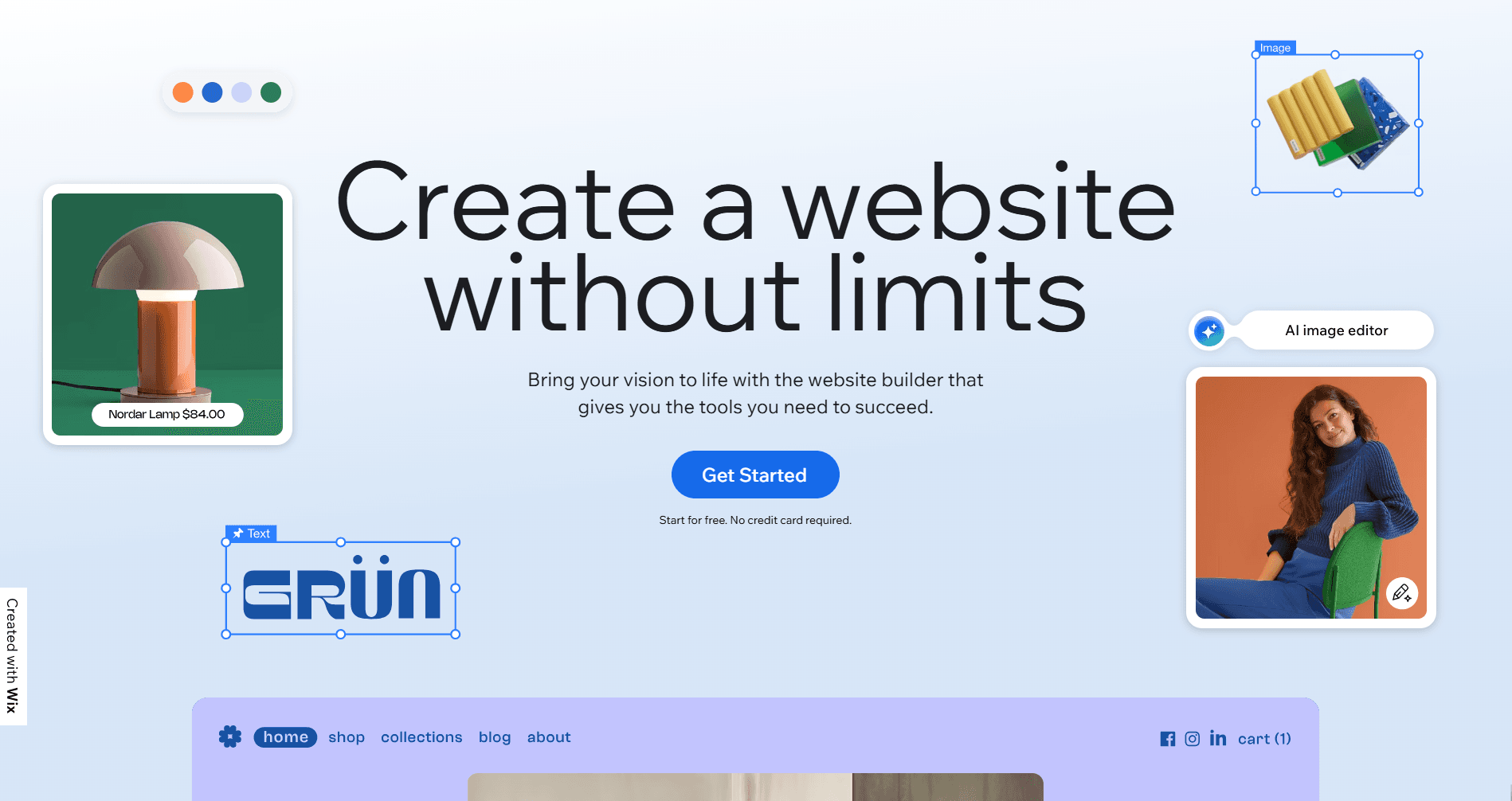
Overview: Wix’s versatility made it my go-to for portfolios and small business sites. Its template variety and drag-and-drop editor are hard to beat.
Core Features:
- Drag-and-drop editor with over 2,000 templates.
- AI-powered site generator for quick setups.
- Basic SEO tools for visibility.
Pros:
- Extensive template library for creative freedom.
- Intuitive interface, even for beginners.
- Reliable performance and customer support.
Cons:
- Ads and .wixsite.com subdomain on the free plan.
- Overwhelming options for some users.
- Limited to 500MB storage.
Use Cases: Aspiring entrepreneurs, freelancers, creatives, personal brand builders, and bloggers.
Practical Benefits: Wix’s modern designs and flexibility create professional sites without coding, saving time and effort.
Limitations: The free plan includes Wix ads, a wixsite.com subdomain, and a 500MB storage cap, which can constrain media-heavy projects.
Example: I built a photography portfolio for a freelance client, customizing a template to highlight their work in under two hours. The drag-and-drop editor made it easy to adjust layouts.
Actionable Tip: Use Wix’s AI builder to generate a site quickly, then tweak the design to align with your brand.
3. Squarespace
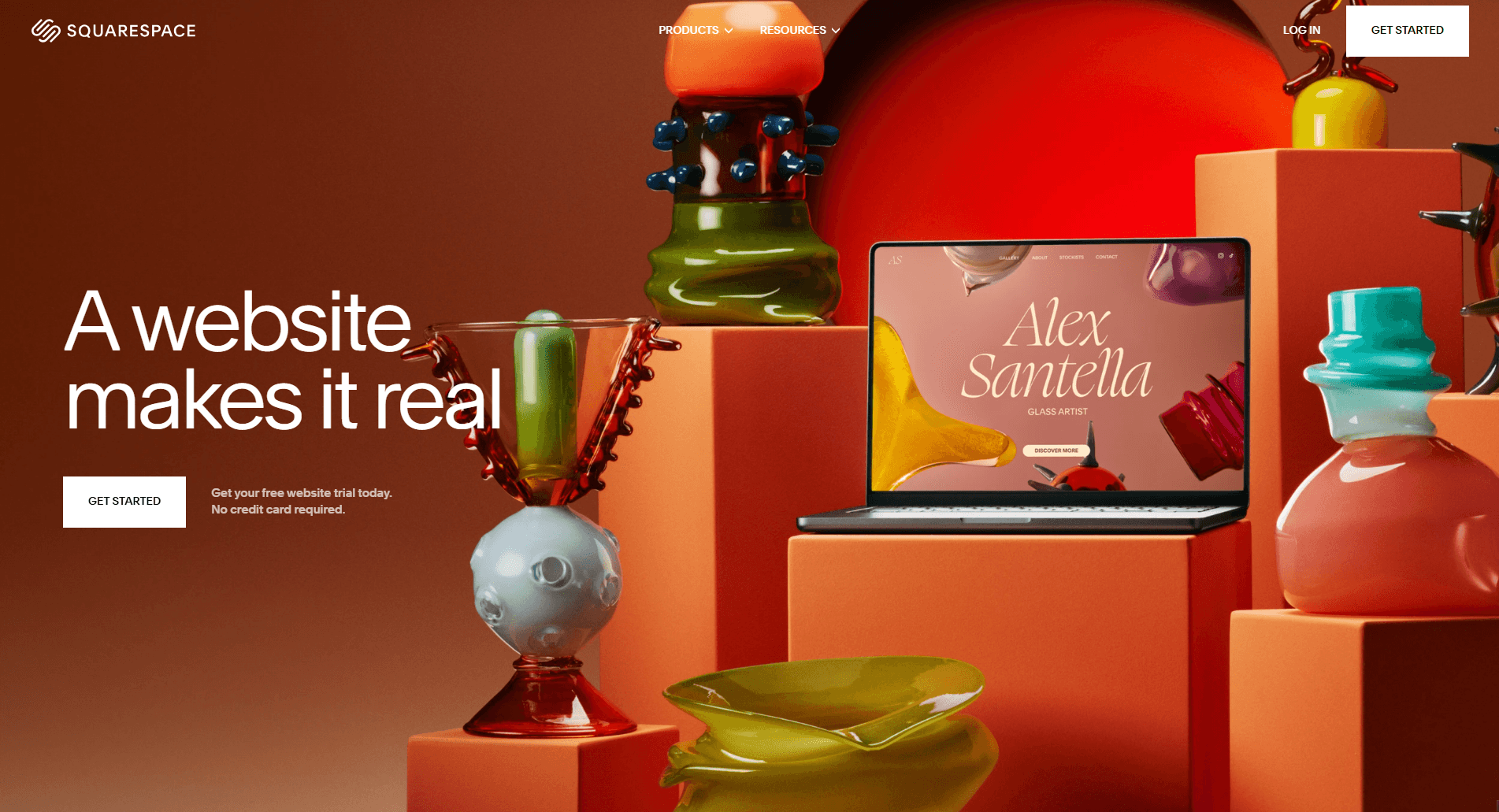
Overview: I tested Squarespace for a creative blog, and its sleek, design-focused templates delivered a polished look, though its editor is less flexible than Wix’s.
Core Features:
- Beautiful, design-focused templates.
- Built-in blogging and basic e-commerce tools.
- Mobile-responsive designs.
Pros:
- Stunning templates for visually driven projects.
- Strong mobile optimization for seamless viewing.
- Integrated analytics for tracking performance.
Cons:
- No true free plan, only a 14-day trial.
- Less customization flexibility than Wix.
- Limited integrations during the trial.
Use Cases: Creatives, bloggers, and small businesses prioritizing aesthetics.
Practical Benefits: Its professional templates reduce design time, making it ideal for visually driven projects like portfolios or creative blogs.
Limitations: The 14-day trial limits long-term free use, and customization is less flexible than other builders.
Example: I created a blog, using a template to showcase their work with minimal tweaks, achieving a polished look in hours.
Actionable Tip: Use the trial to select a template that matches your brand’s aesthetic to save time.
4. Weebly
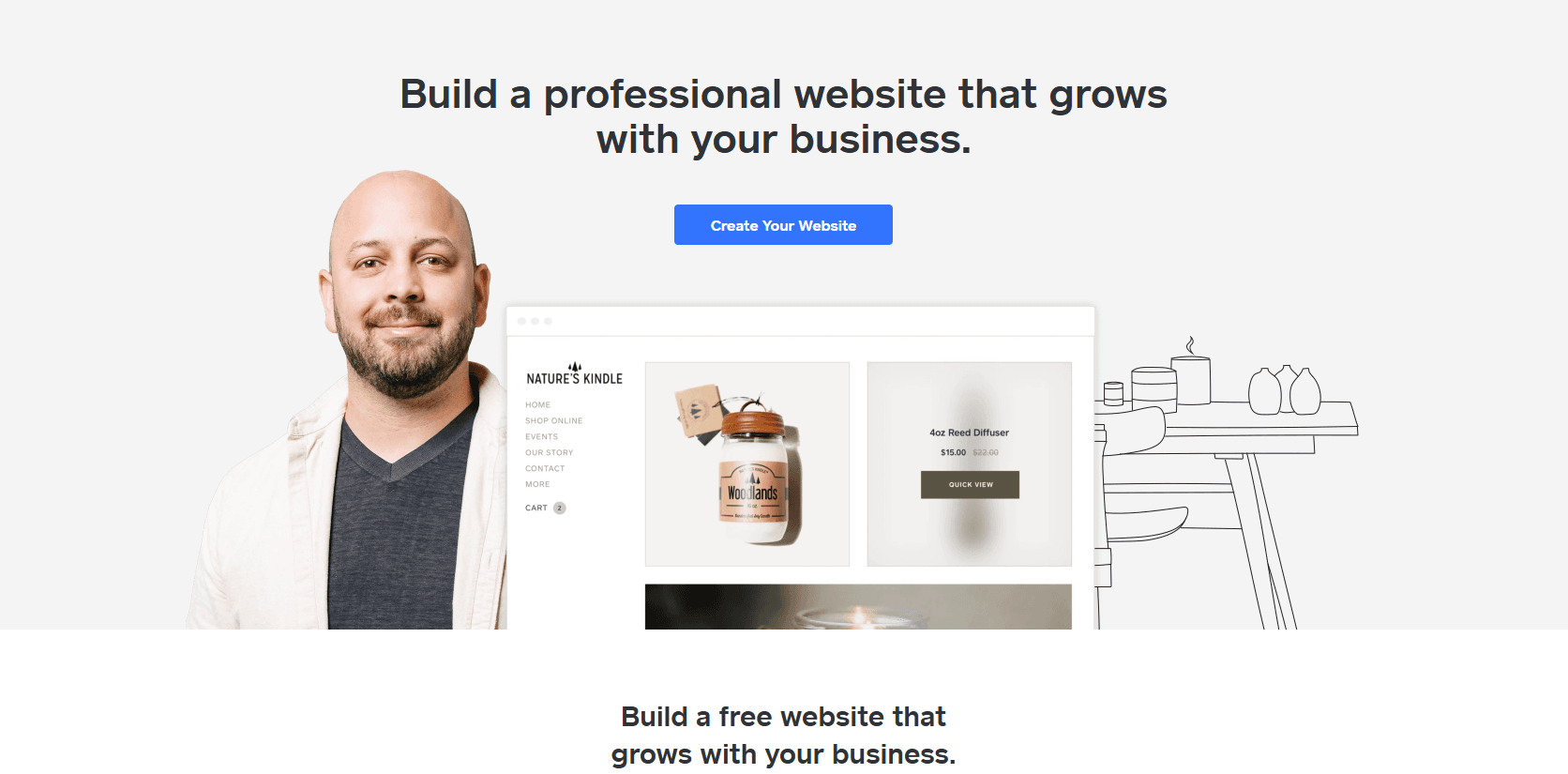
Overview: Weebly’s simplicity made it a great choice for a nonprofit donation page I built. It’s reliable but lacks advanced customization.
Core Features:
- Drag-and-drop editor with 68+ themes.
- Basic e-commerce and form builder.
- Mobile responsiveness.
Pros:
- Beginner-friendly interface.
- Flexible for simple e-commerce and forms.
- Reliable for small-scale sites.
Cons:
- Limited template customization.
- Ads and weebly.com subdomain.
- Occasional bugs or slow updates.
Use Cases: Nonprofits, community organisers, side hustlers, and hobbyists.
Practical Benefits: Its straightforward interface supports quick setups for basic stores or donation pages, perfect for non-tech-savvy users.
Limitations: Ads, a weebly.com subdomain, and a 500MB storage cap limit scalability.
Example: I built a donation page for a community group, integrating a form in minutes to collect contributions.
Actionable Tip: Choose a theme with built-in forms to streamline contact or donation pages.
5. Hostinger
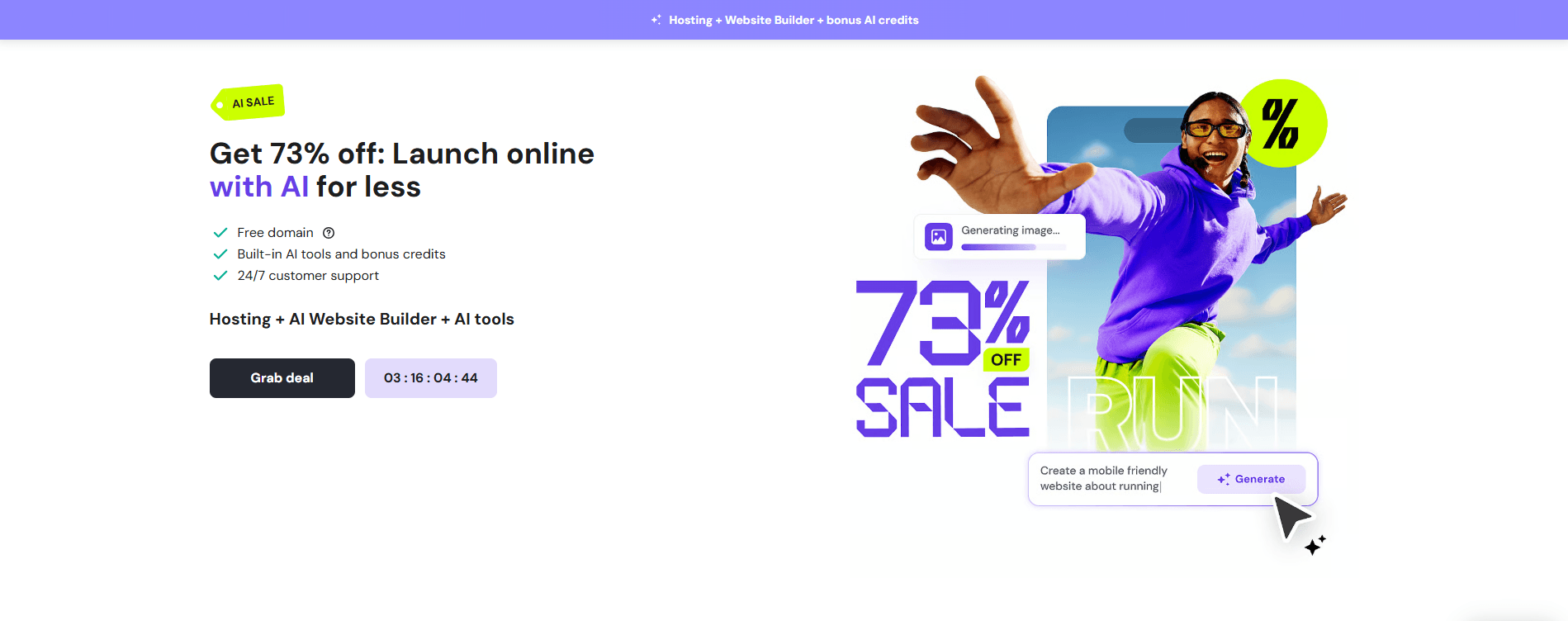
Overview: I used Hostinger for a side hustle landing page. Its AI tools sped up the process, but the feature set felt basic.
Core Features:
- AI-powered site and content generation.
- Drag-and-drop editor with modern designs.
- Basic SEO and analytics.
Pros:
- Fast setup with AI-driven tools.
- Modern, clean templates.
- Affordable upgrade options.
Cons:
- No true free plan, only trials.
- Limited app integrations.
- Basic analytics compared to competitors.
Use Cases: Side hustlers, small business owners, and entrepreneurs.
Practical Benefits: AI tools enable rapid site creation, ideal for entrepreneurs needing a quick online presence.
Limitations: Only a trial is available, and integrations are limited compared to Wix or WordPress.com.
Example: I created a landing page for a tutoring service using Hostinger’s AI to generate content, refining it for a personal touch.
Actionable Tip: Leverage Hostinger’s AI tools to draft content, then customize it to reflect your brand.
6. GoDaddy
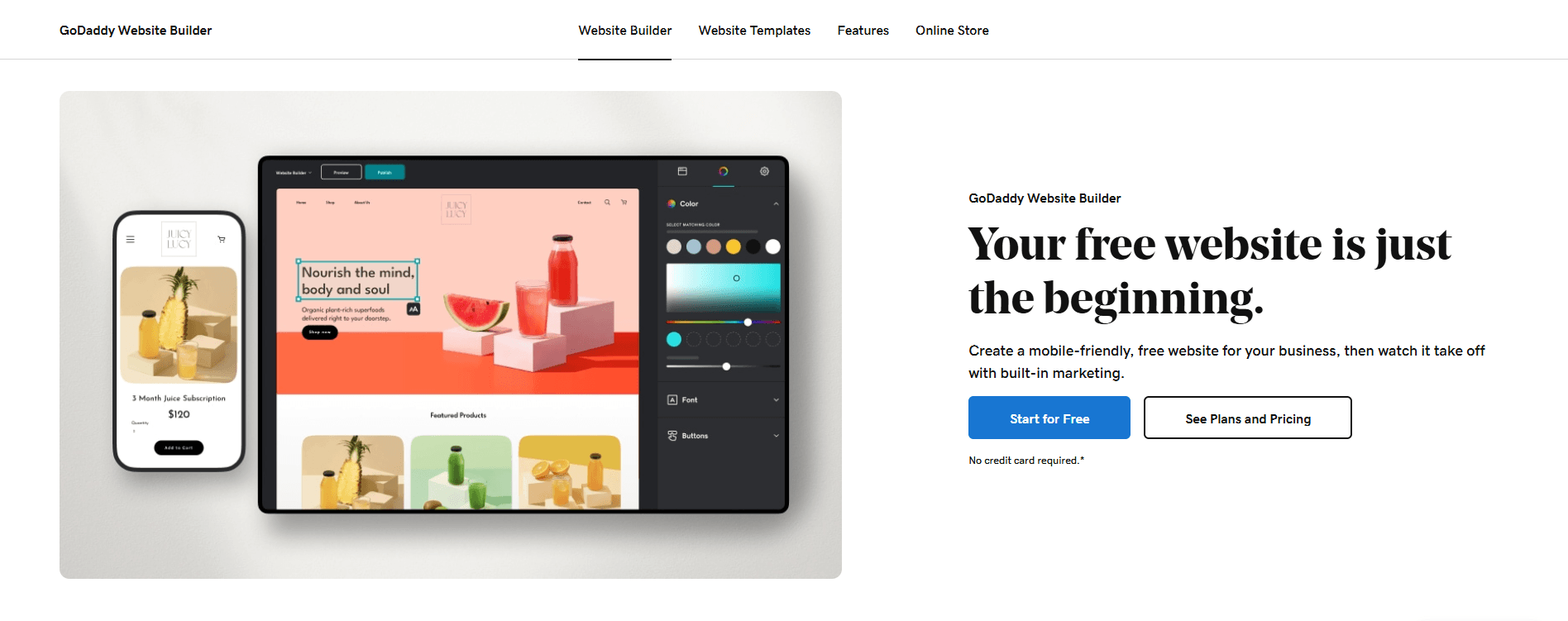
Overview: GoDaddy’s guided setup was perfect for a freelancer’s service page I built, but its customization options were limited.
Core Features:
- Guided setup with basic templates.
- Social media and marketing tools.
- Mobile management.
Pros:
- Extremely fast setup for basic sites.
- Mobile-friendly management tools.
- Basic marketing integrations.
Cons:
- Limited template variety and customization.
- No advanced features on the free plan.
- Ads and branding restrictions.
Use Cases: Freelancers, side hustlers, and entrepreneurs with simple needs.
Practical Benefits: Its speed and mobile management make it ideal for quick, functional sites.
Limitations: Limited customization and no advanced features restrict complex projects.
Example: I built a one-page site for a consultant, focusing on a clear call to action to drive enquiries.
Actionable Tip: Use GoDaddy for quick landing pages, but consider upgrading for more flexibility.
7. SITE123
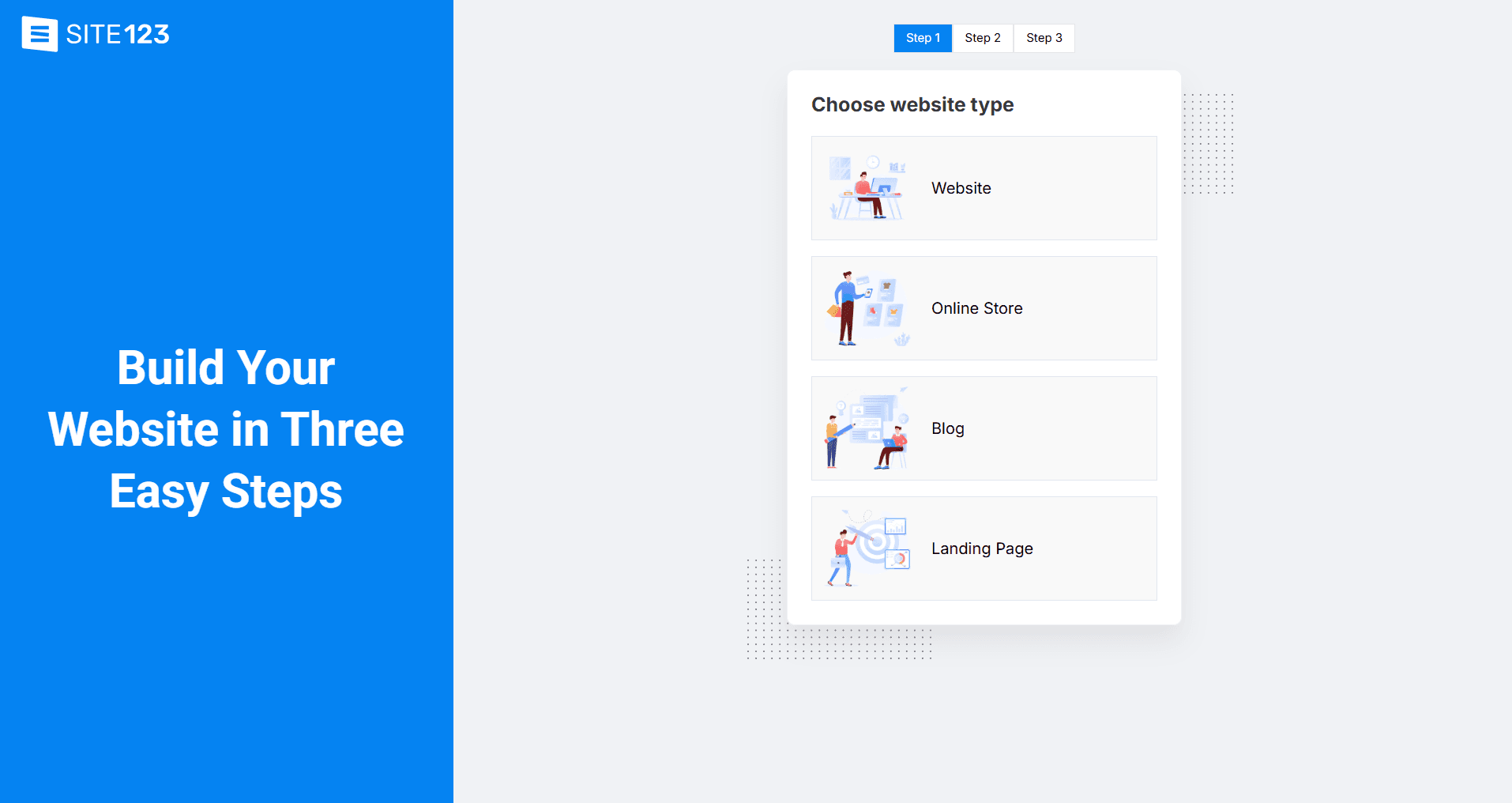
Overview: I tested SITE123 for a hobbyist’s art showcase. Its beginner-friendly editor was great, but the design options were basic.
Core Features:
- Simple editor with flexible website types.
- Free contact and donation forms.
- Basic SEO tools.
Pros:
- Extremely easy for beginners.
- Flexible for various site types.
- Free forms for engagement.
Cons:
- Limited design customization.
- Intrusive ads on the free plan.
- Basic feature set.
Use Cases: Hobbyists, nonprofits, students.
Practical Benefits: Its simplicity enables quick setups for portfolios or event pages, ideal for non-technical users.
Limitations: Ads, a 250MB storage cap, and limited design options hinder advanced use.
Example: I created a site for a hobbyist’s art showcase, adding a contact form to connect with buyers.
Actionable Tip: Use SITE123’s single-page option for portfolios or event sites to keep things simple.
8. Webador
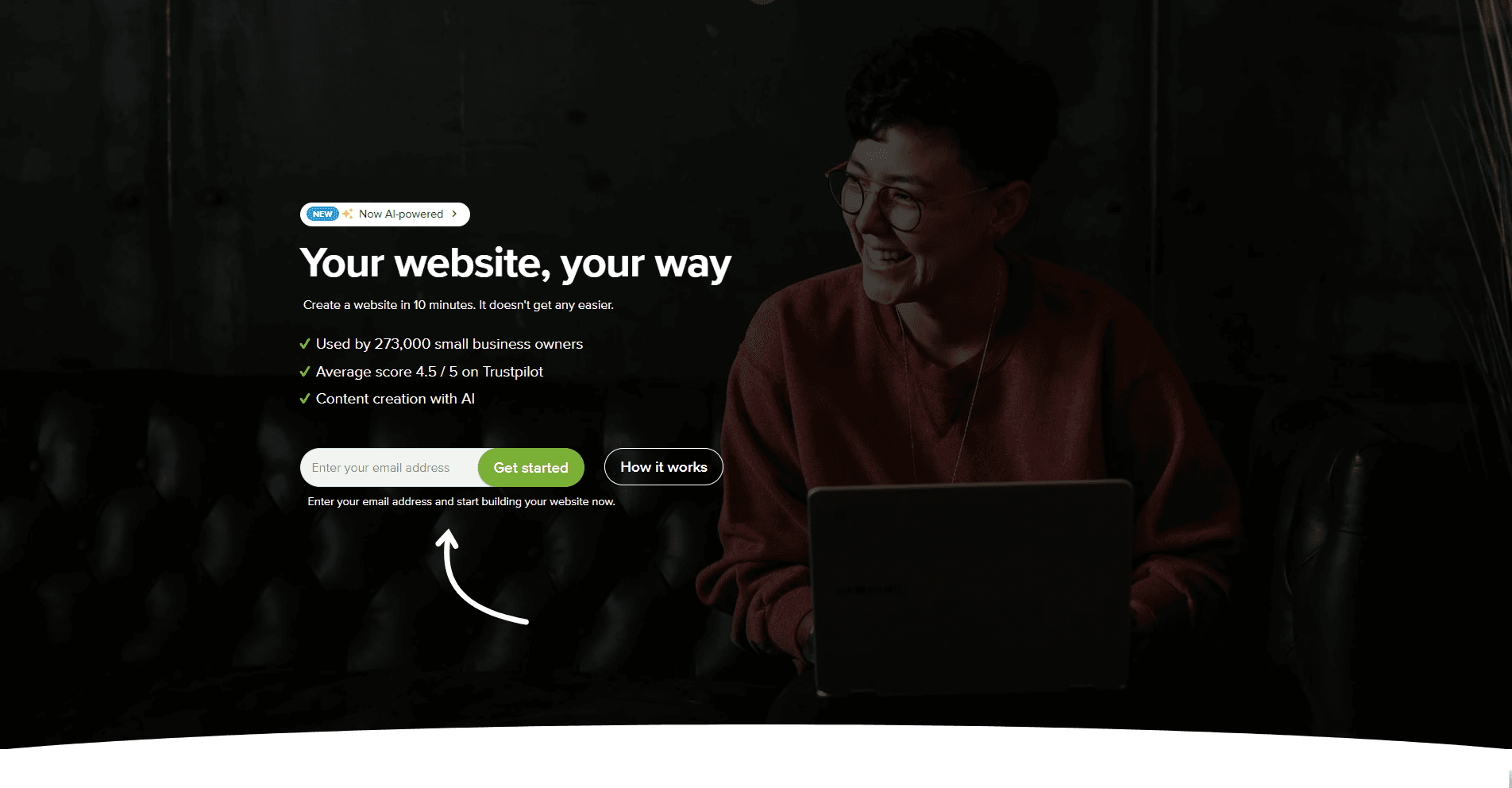
Overview: I used Webador for a small business blog selling crafts. Its unlimited storage was a standout, but templates were limited.
Core Features:
- Fast editor with unlimited storage.
- Basic blogging and e-commerce tools.
- Social media integration.
Pros:
- Unlimited storage on the free plan.
- Quick and simple setup.
- Social media integration for traffic.
Cons:
- Limited template variety.
- Ads and .webador.com subdomain.
- Basic features for advanced needs.
Use Cases: Small businesses, bloggers, and side hustlers.
Practical Benefits: Unlimited storage and fast setup make it great for content-heavy or quick projects.
Limitations: Ads and limited templates reduce design flexibility.
Example: I built a blog for a side hustle selling crafts, linking it to social media to drive traffic.
Actionable Tip: Integrate social media to boost traffic to your free Webador site.
9. Strikingly
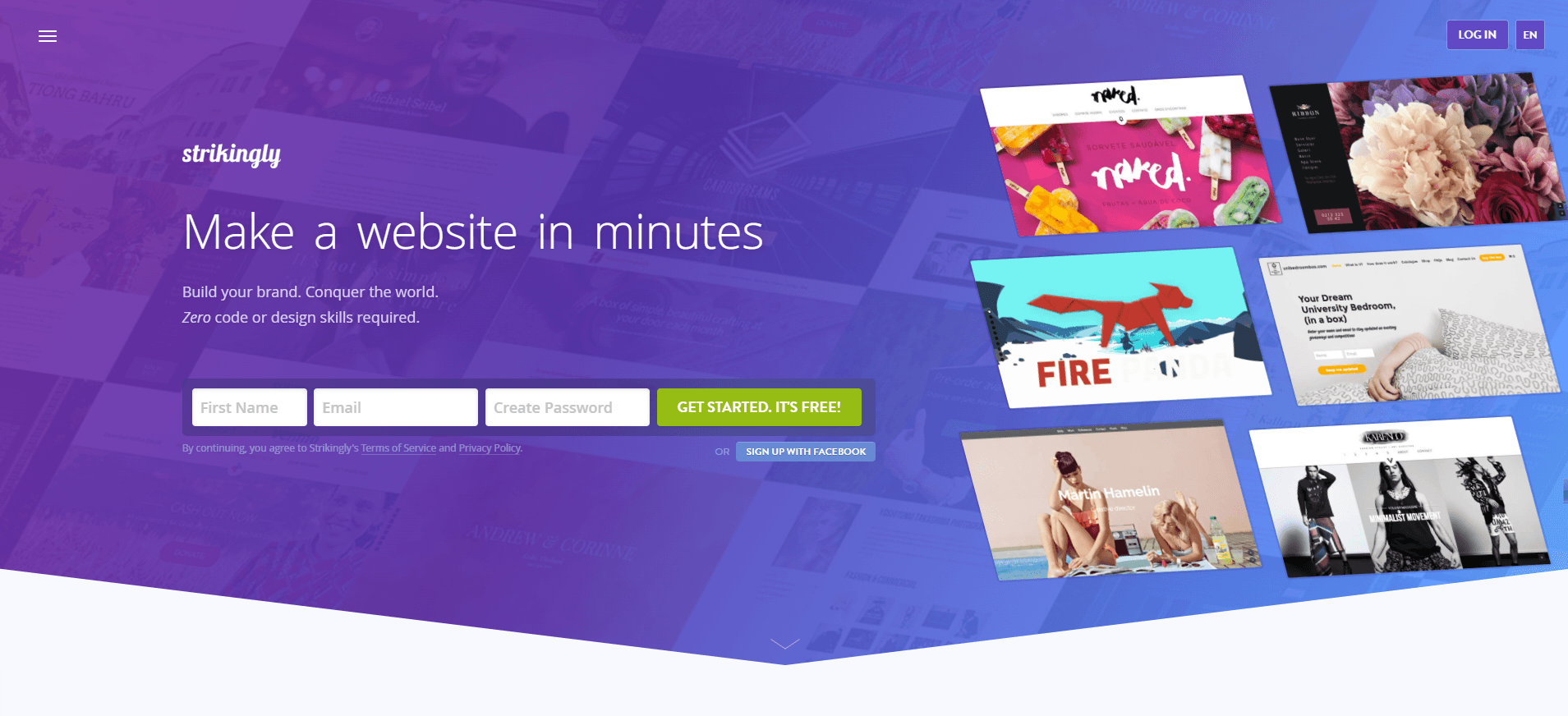
Overview: Strikingly was ideal for a one-page personal brand site I built for a student. Its simplicity shines for single-page layouts.
Core Features:
- Single-page site builder.
- Basic e-commerce and blogging tools.
- Mobile-responsive designs.
Pros:
- Perfect for simple, one-page sites.
- Fast setup with modern designs.
- Mobile-friendly editing.
Cons:
- Limited customization beyond one-page format.
- Ads and strikingly.com subdomain.
- Billing concerns with upgrades.
Use Cases: Personal brand builders, freelancers, students.
Practical Benefits: Its focus on one-page sites ensures a professional, streamlined look with minimal effort.
Limitations: A 5GB bandwidth cap and limited customization restrict scalability.
Example: I created a one-page portfolio for a student’s project showcase, highlighting their work cleanly.
Actionable Tip: Use a prepaid card for upgrades to avoid billing issues with Strikingly.
Key Insights:
- WordPress.com and Wix excel for blogging and creative freedom.
- Squarespace offers stunning designs but is limited to a trial.
- Weebly and SITE123 are best for beginners needing simple sites.
- Hostinger and GoDaddy suit time-constrained entrepreneurs.
- Webador and Strikingly are great for quick, budget-conscious projects.
Actionable Tip: Use this table to match your priorities (e.g., ease of use vs. design) to the right builder.
Common Pain Points and Solutions
Based on my experience, here are solutions to common issues with free website builders:
- Ads and Branding
- Issue: Free plans often include builder ads or subdomains (e.g., .wordpress.com, .wixsite.com).
- Solution: Choose builders with non-intrusive ads (e.g., Wix, Webador) or plan to upgrade for a custom domain.
- Example: I mitigated Wix ads by placing key content above the fold, keeping the focus on my client’s portfolio.
- Limited Storage/Bandwidth
- Issue: Caps on storage or traffic can limit scalability.
- Solution: Opt for Webador’s unlimited storage or use compressed images to stay within limits.
- Example: I used compressed images on a WordPress.com blog to stay within its 3GB storage cap.
- Lack of Advanced Features
- Issue: Free plans often lack e-commerce or analytics.
- Solution: Test free plans for basic needs, then upgrade for specific features (e.g., Wix for e-commerce, WordPress.com for blogging).
- Example: I upgraded a Weebly site to add a shopping cart for a side hustle selling handmade goods.
Actionable Tip: Test multiple builders to find one that balances free features with upgrade potential.
Choosing the Right Free Website Builder
Here’s a decision framework to match your goals to the best builder:
- Entrepreneurs/Small Businesses: Choose Wix or Hostinger for e-commerce and AI tools to launch quickly.
- Freelancers/Creatives: Opt for Squarespace or Wix for stunning portfolios that showcase your work.
- Students/Educators: Use SITE123 or Strikingly for simple project sites that don’t require complex setups.
- Bloggers/Personal Brands: Select WordPress.com or Wix for robust blogging and SEO tools.
- Nonprofits/Community Organizers: Try Weebly or SITE123 for donation forms and community engagement.
- Side Hustlers/Hobbyists: Go with Webador or GoDaddy for quick, functional sites.
Actionable Tip: Define your primary goal (e.g., portfolio, blog, store) before choosing a builder to avoid feature mismatches.
FAQ
Are free website builders free?
Yes, but they often include ads, subdomains (e.g., .wordpress.com), and limited features like storage or bandwidth. For example, Wix offers 500MB storage, while Webador provides unlimited storage on its free plan.
Can I use a free website builder for e-commerce?
Some builders like StoreBuild offer e-commerce tools on free plans. I tested WooCommerce with StoreBuild for e-commerce for a side hustle and found it sufficient for small-scale sales.
How do I make my site look professional on a free plan?
Choose modern, responsive templates (e.g., Squarespace, Wix) and optimize content with SEO and high-quality images. I made a WordPress.com blog look professional by focusing on clean content and a simple theme.
Can I switch builders if I’m unhappy with my choice?
Yes, but manual content migration is required, as most free plans don’t support exports. I switched from GoDaddy to Wix for a client by rebuilding the site in a day due to Wix’s better templates.
Are free website builders good for SEO?
Most offer basic SEO tools (e.g., meta tags, sitemaps). WordPress.com and Wix are strong for SEO, but you’ll need to optimize content manually. I improved a blog’s ranking by customizing meta descriptions on WordPress.com.
What happens if I need more features later?
Most builders offer paid plans for advanced features like custom domains or e-commerce. Test the free plan first, as I did with Weebly, before upgrading for a client’s store.
Conclusion
The 9 best free website builders, starting with WordPress.com for its blogging prowess, followed by versatile options like Wix and Squarespace- offer accessible, powerful tools for creating an online presence without upfront costs. Each platform caters to different needs, from content-heavy blogs to sleek portfolios or quick landing pages.
By understanding their pros, cons, and limitations, you can choose the right builder for your goals, whether you’re an entrepreneur, creative, student, or nonprofit organizer. Start with WordPress.com or Wix for flexibility, or test multiple platforms to find your fit.
Did this article spark something in you? If so, you won’t want to miss out on what’s next! Subscribe to our newsletter for a steady stream of captivating reads, exciting updates, and exclusive offers delivered right to your inbox. And for even more engaging content, be sure to follow us on Facebook, Instagram, and YouTube – stay connected, stay informed!