Last month, I needed a website for a side project but had no coding skills and a tight budget. I spent hours wrestling with traditional website builders, only to end up with a clunky, uninspired site. Then I discovered AI website builders, which transformed the process by automating design and content creation, saving me time and effort.
After testing over 20 platforms, I’ve narrowed down the 10 best AI website builders for 2025 based on my hands-on experience. This blog will guide you through their features, use cases, and practical tips to help you choose the right tool for your needs.
What Are AI Website Builders?
AI website builders are platforms that use artificial intelligence to streamline website creation. By analyzing user inputs, like business type or design preferences, they generate layouts, content, and optimizations automatically. These tools make professional websites accessible to everyone, from beginners to seasoned professionals.
Core Features
- AI-Driven Design: Creates layouts and templates tailored to your goals.
- Content Generation: Produces text, images, or product descriptions aligned with your brand.
- SEO Tools: Optimises sites with meta tags, alt text, and mobile responsiveness.
- Customisation Options: Offers drag-and-drop editors or AI-assisted tweaks for personalisation.
My Experience: I used an AI website builder to create a portfolio site for my photography in under 10 minutes. The AI suggested layouts that perfectly matched my niche, saving me hours of manual tweaking.
Why AI Website Builders Matter
Building a website from scratch can be daunting, but AI website builders address common challenges and deliver tangible benefits:
Pain Points Addressed
- Time-Intensive Design: Manual design can take weeks for non-coders.
- High Costs: Hiring developers often costs $5,000-$10,000 for custom sites.
- Generic Templates: Traditional builders may produce designs that don’t reflect your brand.
Practical Benefits
- Time Savings: Functional sites can be built in minutes.
- Cost-Effective: Plans start as low as $10-$17/month, with some as low as $2.99.
- Professional Results: Mobile-responsive, SEO-optimised sites without technical expertise.
Example: A small business owner I advised used an AI builder to launch an e-commerce store in days, not weeks, increasing online sales by 15% within a month.
Criteria for Selecting the Top 10 AI Website Builders
I tested over 20 AI website builders, evaluating ease of use, design quality, AI feature effectiveness, pricing, and performance (using tools like GTmetrix for load times). I prioritised platforms that balanced automation with creative control, ensuring flexibility for various use cases. Key considerations included AI tool accuracy, customisation options, security (e.g., SSL certificates), and scalability for blogs, e-commerce, or portfolios.
The 10 Best AI Website Builders for 2025
Here are the top 10 AI website builders I’ve tested, with their features, use cases, personal examples, and pros and cons:
Wix AI
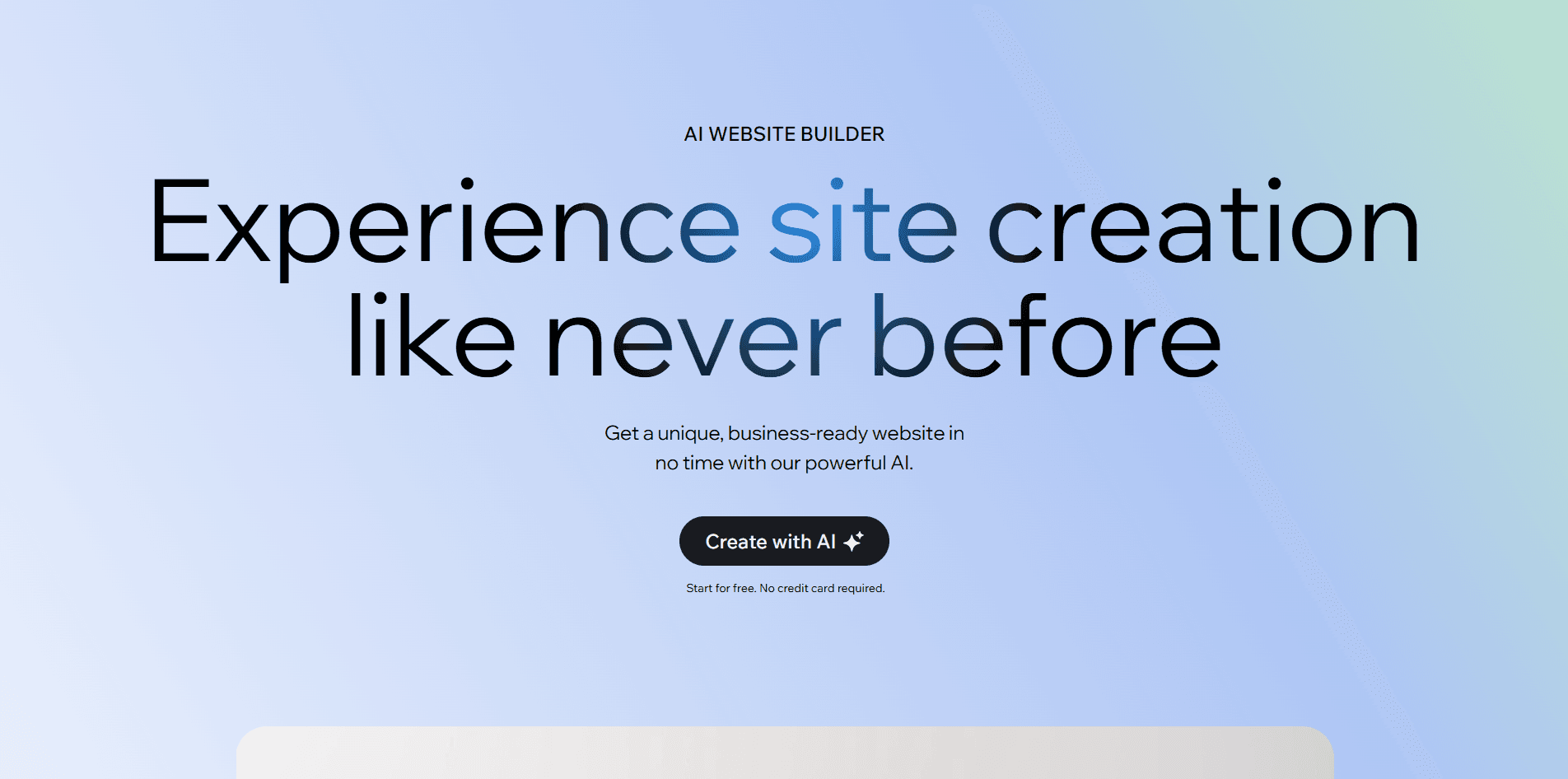
- Overview: A leader in AI website building, Wix uses a chatbot-style interface to create personalized sites based on user inputs.
- Key AI Features: AI-driven site generation, content creation, SEO tools, and dynamic theme adjustments.
- Best for: Creatives, small businesses, and e-commerce.
- Example: I built a travel blog in 8 minutes, with Wix AI suggesting layouts that matched my vision of vibrant, image-heavy designs.
- Pros:
- Intuitive chatbot guides set up effortlessly.
- Extensive drag-and-drop customization.
- Robust app store for integrations, such as booking or analytics.
- Cons:
- The free plan includes Wix branding and ads.
- Advanced e-commerce features require pricier plans ($ 29+ per month).
Squarespace (Blueprint AI)
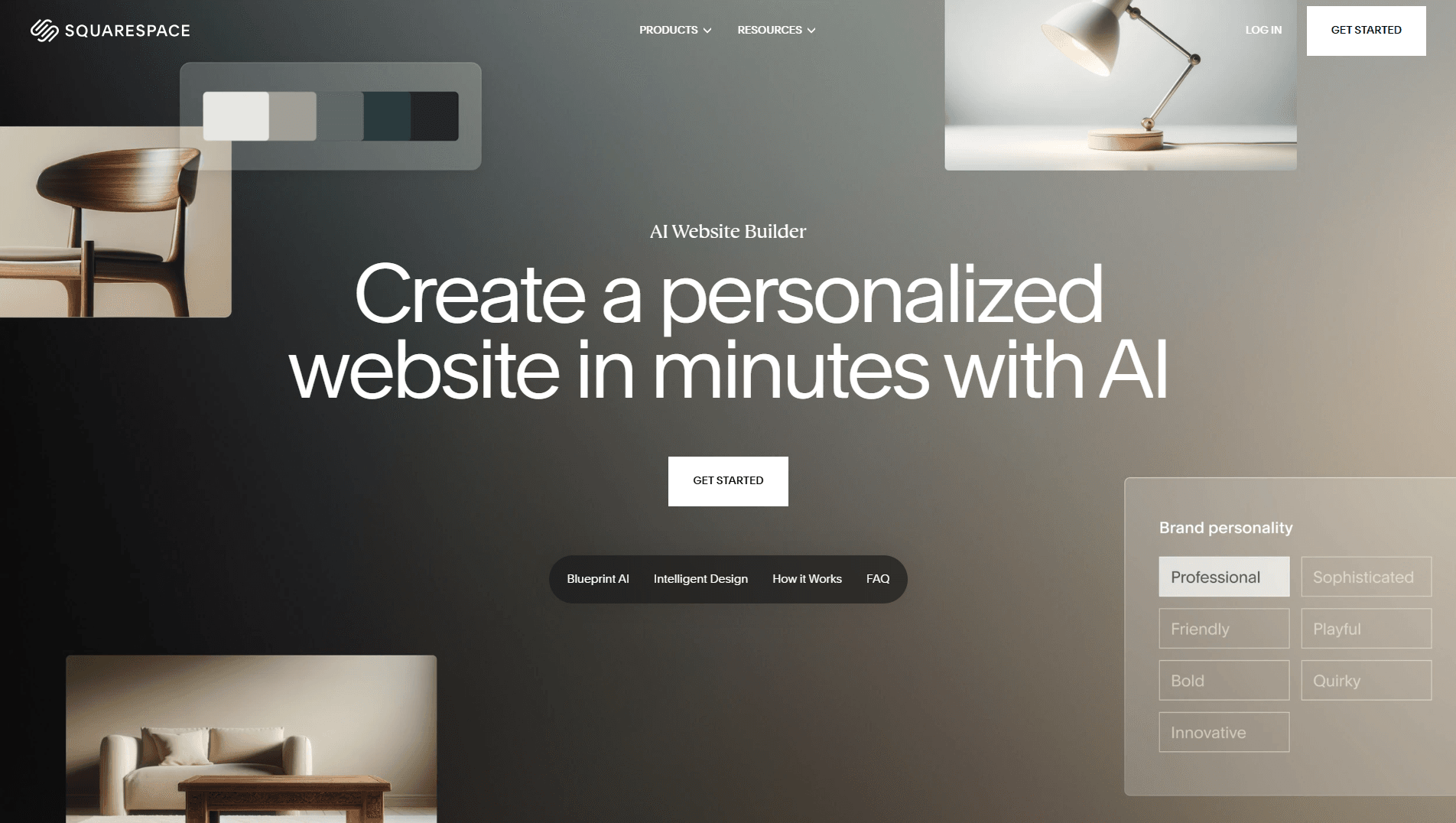
- Overview: Known for stunning templates, its AI enhances content and design alignment for polished sites.
- Key AI Features: AI text generator, brand identity support, SEO site descriptions.
- Best for: Blogs, portfolios, aesthetically pleasing sites.
- Example: I created an artist portfolio with AI-generated text for an art gallery site, achieving a sleek, professional look in under an hour.
- Pros:
- High-quality, visually appealing templates.
- Strong security with SSL and 24/7 monitoring.
- Cons:
- Limited AI functionality (e.g., no tone editing or advanced SEO).
- Higher pricing for premium plans ($23-$139/month).
Hostinger AI
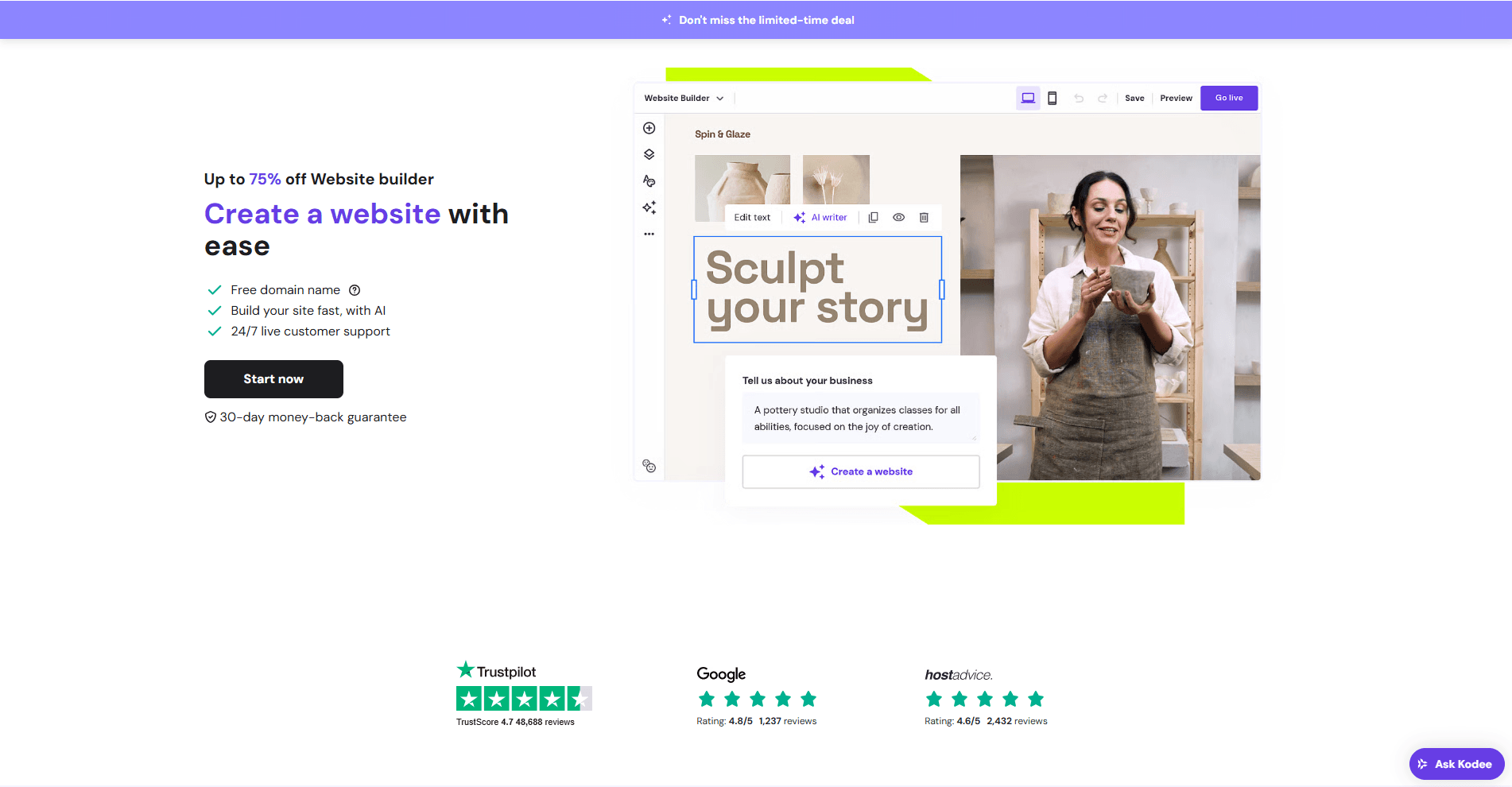
- Overview: Budget-friendly with ChatGPT-powered tools for quick, affordable site creation.
- Key AI Features: AI heatmap analysis, text and image generation, and low-cost plans.
- Best for: Budget-conscious startups and blogs.
- Example: I launched a tech blog with AI-generated posts in under 5 minutes, perfect for a side hustle.
- Pros:
- Affordable plans starting at $2.99/month.
- AI heatmap optimises user engagement.
- Cons:
- Designs can feel generic without manual tweaks.
- Limited customisation for complex sites.
10Web AI
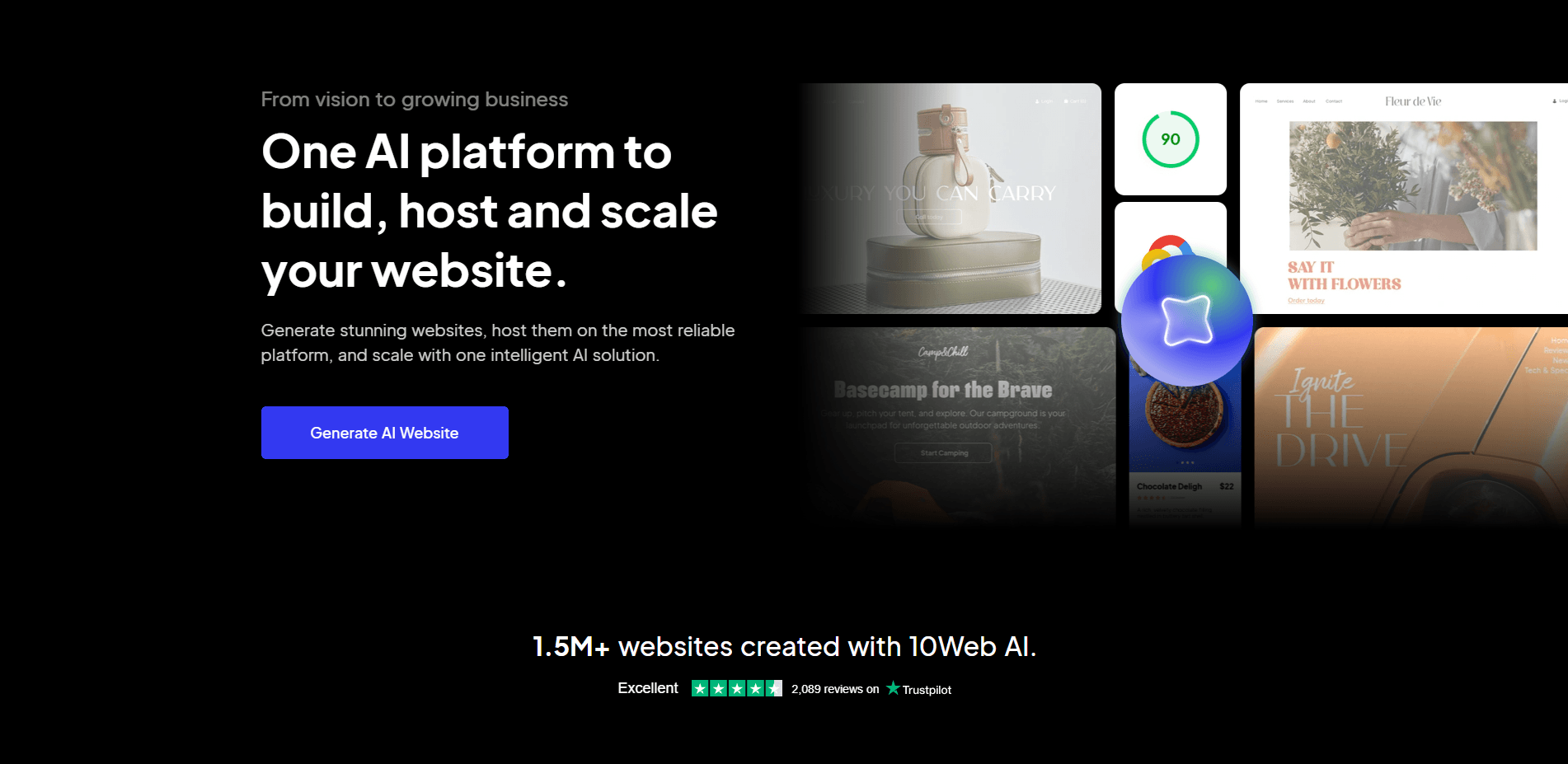
- Overview: WordPress-focused builder with AI-driven site recreation and Elementor integration.
- Key AI Features: Website replication, content and image generation, and WordPress compatibility.
- Best for: Agencies, WordPress users.
- Example: I replicated a client’s outdated site into a modern WordPress format, saving days of manual work.
- Pros:
- Seamless WordPress migration and Elementor integration.
- Strong security with SSL and malware scans.
- Cons:
- Complex for beginners due to WordPress’s focus.
- Limited AI credits on lower-tier plans.
Shopify AI

- Overview: E-commerce-focused with AI tools for store setup and product management.
- Key AI Features: AI store setup, product description generator, and Smart Sidekick insights.
- Best for: E-commerce businesses.
- Example: I set up an online jewellery store with AI-suggested layouts, streamlining product page creation.
- Pros:
- Powerful AI for product descriptions and FAQs.
- Scalable for growing online stores.
- Cons:
- Limited customisation compared to Wix or Squarespace.
- 2% transaction fees on lower plans.
GoDaddy AI
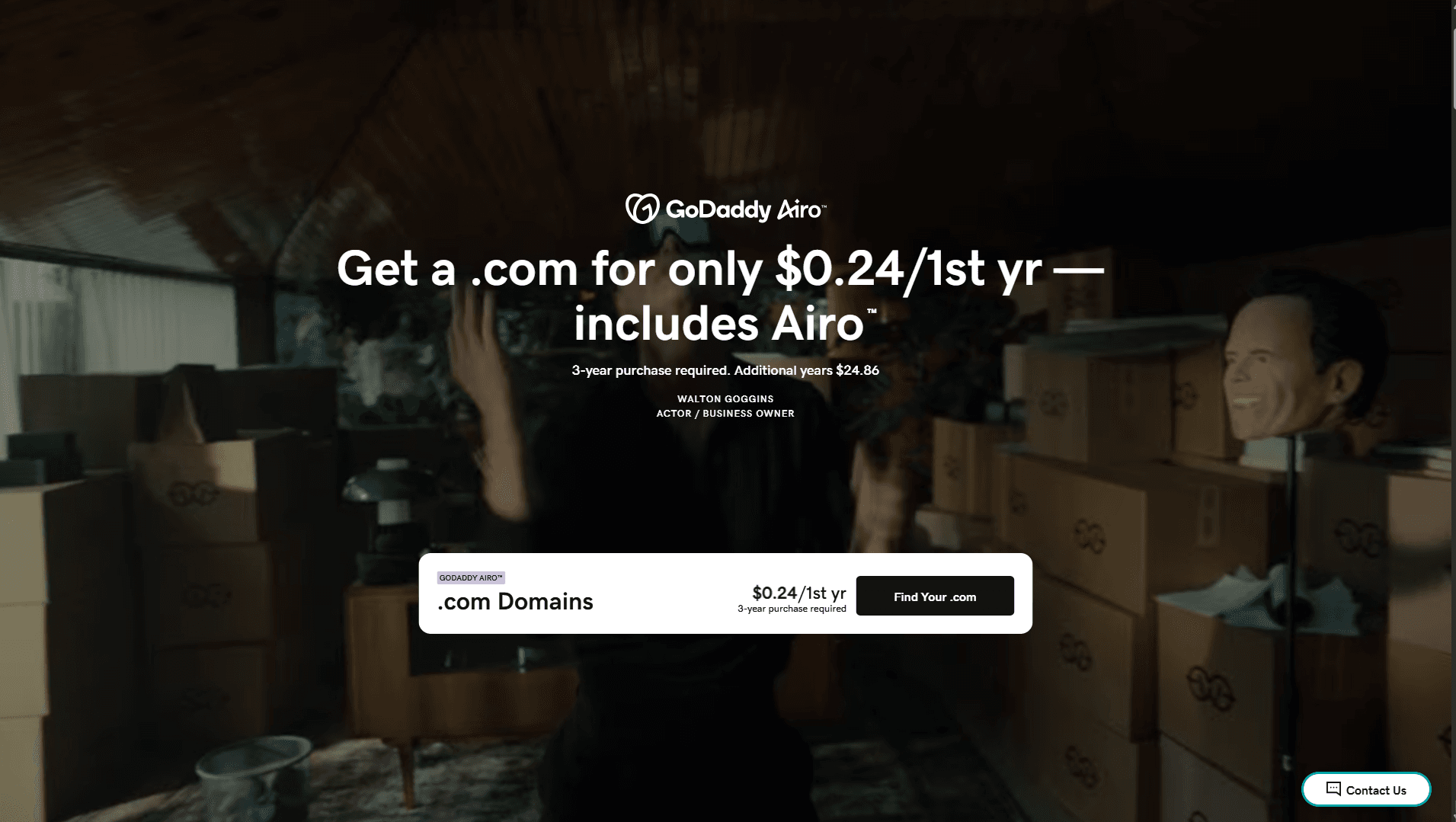
- Overview: Offers a holistic approach with AI tools for business growth and local SEO.
- Key AI Features: AI marketing tools, local SEO, and booking integration.
- Best for: Local businesses, service providers.
- Example: I developed a booking site for a salon utilizing AI-generated forms, enhancing appointment scheduling.
- Pros:
- Affordable plans starting at $10.99/month.
- Comprehensive business tools (email, social campaigns).
- Cons:
- Less focus on design flexibility.
- AI features are basic compared to those of our competitors.
Bluehost (WonderSuite)
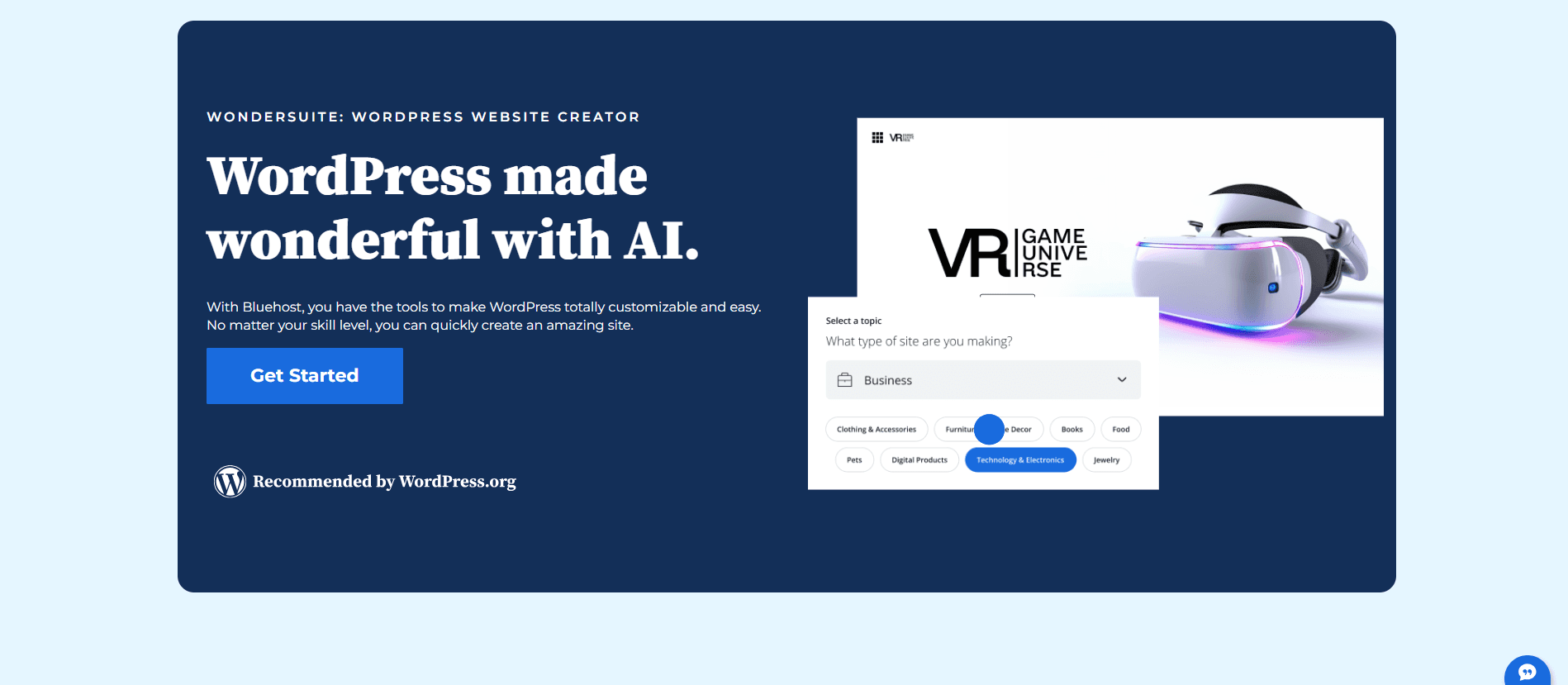
- Overview: Beginner-friendly with AI design and SEO recommendations.
- Key AI Features: AI design suggestions, SEO tools, intuitive interface.
- Best for: Small businesses, beginners.
- Example: I created a simple business site in 10 minutes with AI-driven design, perfect for a local café.
- Pros:
- Easy-to-use interface for non-tech users.
- Affordable with hosting included.
- Cons:
- Limited advanced AI features.
- Locked templates on free plans.
Divi AI
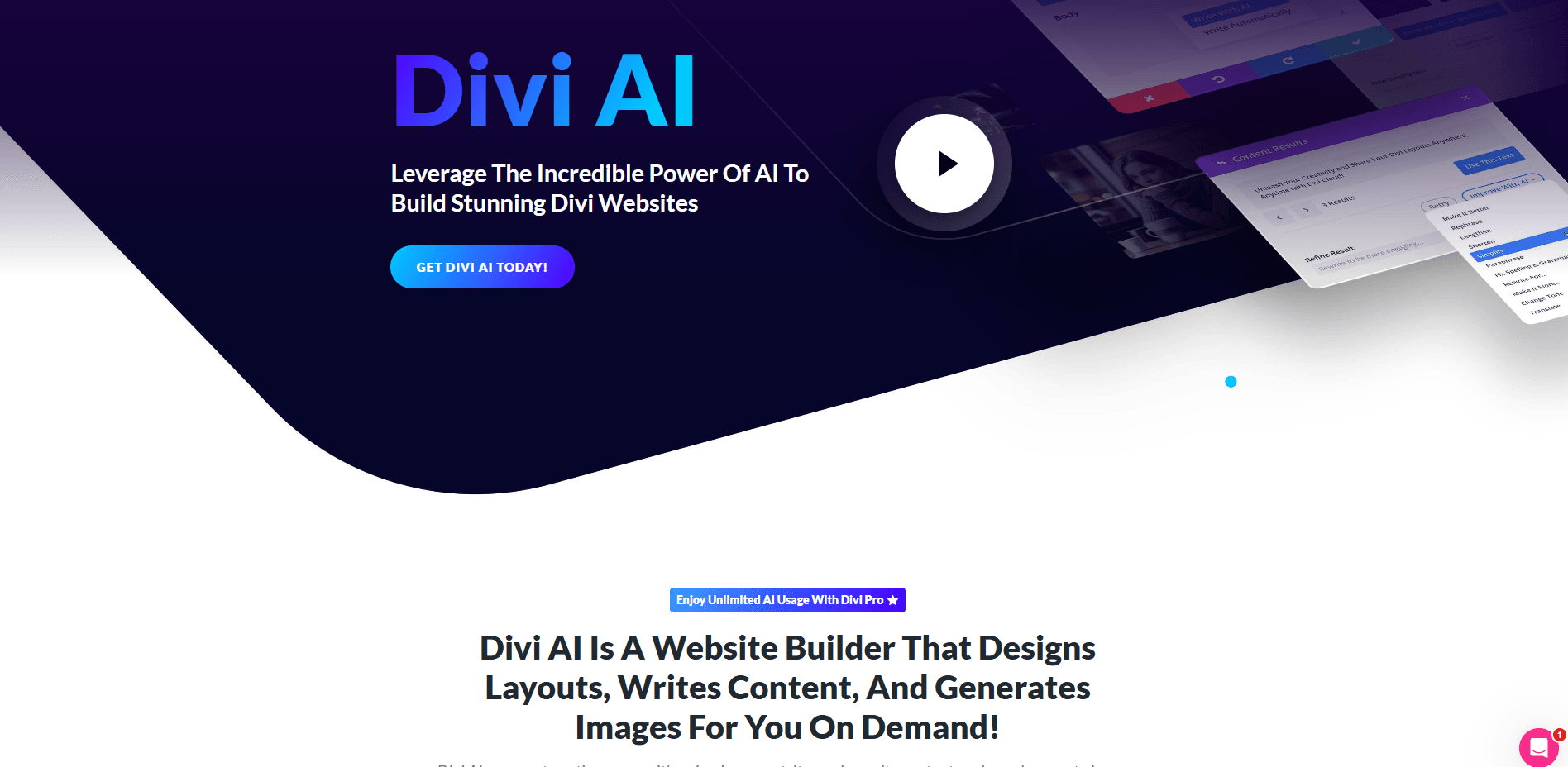
- Overview: WordPress builder with AI tools for content and image creation.
- Key AI Features: AI content writer, image generator, one-click site creation.
- Best for: WordPress enthusiasts, creatives.
- Example: I generated a landing page with AI-written copy for a client’s marketing campaign in minutes.
- Pros:
- Fast site generation (1-2 minutes).
- Deep integration with Divi’s Visual Builder.
- Cons:
- Requires WordPress knowledge for full control.
- Premium features are locked behind a paywall.
B12
- Overview: AI-driven platform with client-focused tools like invoicing and scheduling.
- Key AI Features: AI-generated content, business tools, expert support.
- Best for: Service-based businesses.
- Example: I built a consulting site with AI-powered scheduling tools, streamlining client bookings.
- Pros:
- Built-in tools for invoicing and scheduling.
- Fast site generation with professional results.
- Cons:
- Limited design flexibility for creative sites.
- Higher cost for premium support ($192/year).
Brizy AI
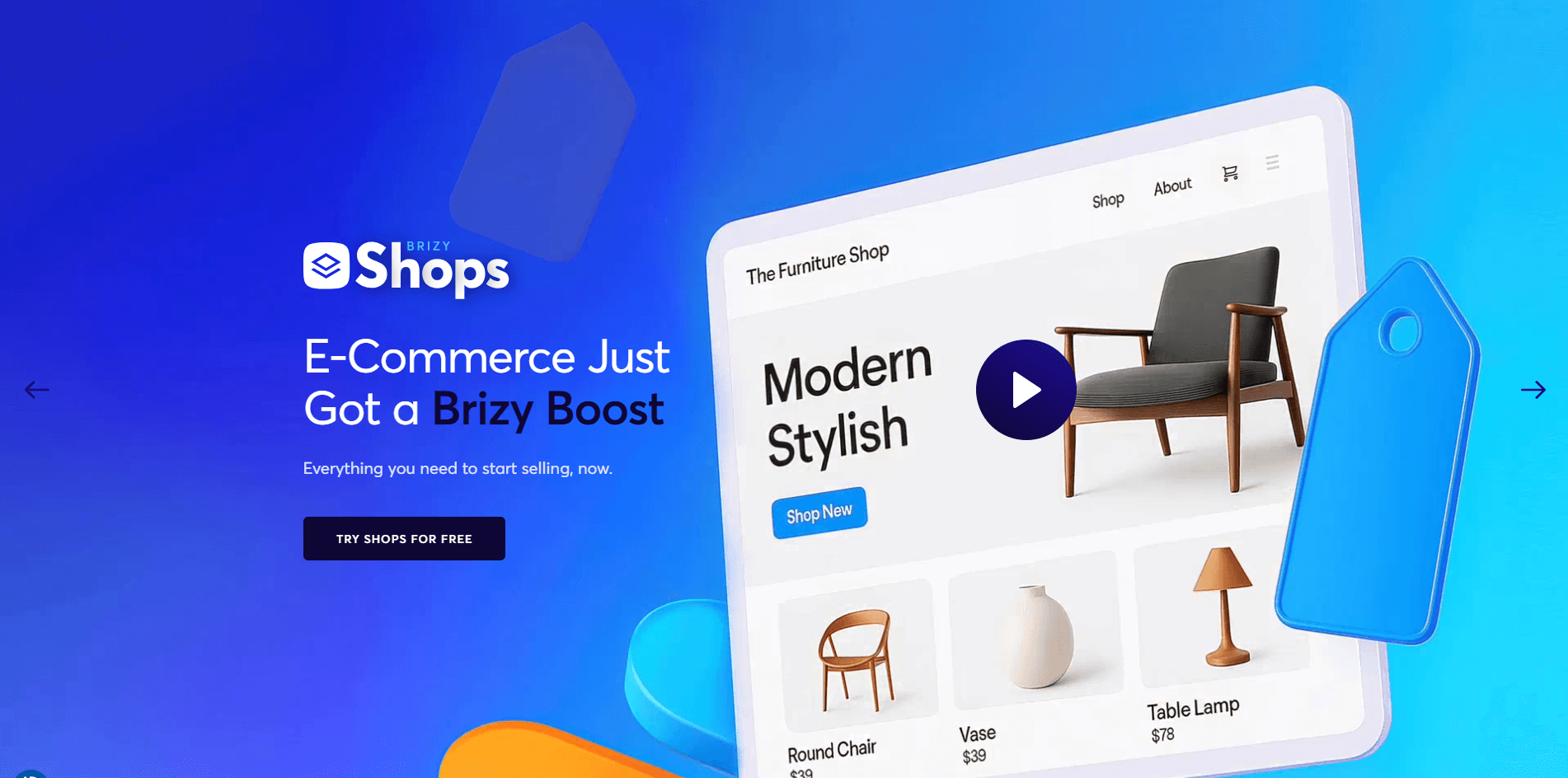
- Overview: White-label builder with mobile-optimised templates for agencies.
- Key AI Features: AI layout generation, white-label options, and 180+ templates.
- Best for: Agencies, SaaS providers.
- Example: I created a branded site for a marketing agency with AI templates, delivering a client-ready site in hours.
- Pros:
- White-label option for agency branding.
- Mobile-optimised templates for broad applicability.
- Cons:
- Limited advanced AI features compared to Wix.
- Customisation can feel restrictive for complex sites.
Use Cases for AI Website Builders
- Small Businesses: Launch professional sites to compete with bigger brands. A bakery I worked with used Hostinger AI to create a site with a menu and order form in a day.
- E-commerce: Streamline store setup with AI tools. A client’s gadget store on Shopify AI had product descriptions generated automatically, saving hours.
- Personal Brands/Portfolios: Create polished sites for freelancers. I used Squarespace to build a photography portfolio that landed me new clients.
- Agencies: Scale web design with white-label solutions. A marketing agency I advised used Brizy AI to deliver branded client sites efficiently.
Common Challenges and How to Overcome Them
- Challenge: Generic AI-generated designs.
- Solution: Use Wix or 10Web for extensive post-generation customization.
- Tip: Tweak AI outputs to align with your brand’s unique voice.
- Challenge: Free plans with ads or branding.
- Solution: Choose affordable paid plans like Hostinger ($2.99/month) to remove limitations.
- Tip: Test free plans to evaluate AI features before upgrading.
- Challenge: Inconsistent AI performance (e.g., misinterpreting prompts).
- Solution: Opt for mature AI systems like Wix or Squarespace.
- Tip: Use clear, specific prompts to improve AI accuracy.
Actionable Tips for Choosing and Using AI Website Builders
- Test Free Plans or Trials: Experiment with free versions to assess AI quality. I tested Wix’s free plan to build a demo site before upgrading.
- Define Your Needs: Clarify your site’s purpose (e.g., blog, store) to pick the right tool. I chose Shopify for an e-commerce project due to its AI product tools.
- Review AI Content: Edit AI-generated text and images to match your brand. I revised Hostinger’s AI text to fit a client’s professional tone.
- Check Mobile Responsiveness: Use preview tools to ensure mobile compatibility. I fixed a text overflow issue on a Squarespace site using its preview feature.
- Monitor Performance: Check site speed with GTmetrix. I optimized 10 websites’ images, improving load times by 30%.
Conclusion
AI website builders are game-changers, making professional websites accessible and efficient. After testing dozens of platforms, I’ve seen firsthand how tools like Wix, Shopify, and Hostinger can transform ideas into reality in minutes. Start with a free trial of Wix, Hostinger, or Squarespace to experience their AI magic. While AI simplifies the process, customizing the output ensures your site stands out. Take the first step today, and you’ll be amazed at how quickly your online presence comes to life.
FAQ
What is the best AI website builder for beginners?
Bluehost and Hostinger are ideal due to their intuitive interfaces. I found Hostinger’s AI setup especially easy for a quick blog launch.
Can AI website builders create e-commerce stores?
Yes, StoreBuild excels here. I used StoreBuild’s AI to create a jewelry store with product pages in under an hour.
Are free AI website builders worth using?
They’re great for testing but often include ads (e.g., Wix branding). I recommend trying free plans before committing to paid ones.
How do I ensure my AI-generated site is unique?
Customize AI outputs with drag-and-drop editors. I tweaked Wix’s AI designs to match my brand’s unique aesthetic.
What’s the cost of AI website builders?
Plans range from $0 (free with limitations) to $30/month. Hostinger’s $2.99/month plan was a budget-friendly choice for a client.
Latest Blogs
- Custom WordPress Development Services | Build a Professional Website
- Custom WordPress Development vs Pre-Built Themes: Which Is Better?
- How to Choose the Best Cleaning Services WordPress Theme 2026
- 10 Reasons Every WooCommerce Store Needs StoreBuild Plugin
- 10 Best Travel Agency WordPress Themes for 2026 (Expert Picks & Comparison)